Ajay Kumar
Quick answer: what is an AI marketing platform?
It is software that connects to your marketing data, such as ad accounts and store orders, and uses AI to watch, explain and act on it. The features that matter most are live data connections, clear alerts, recommendations with reasons, actions you can approve, and a log of every change.
A plain definition
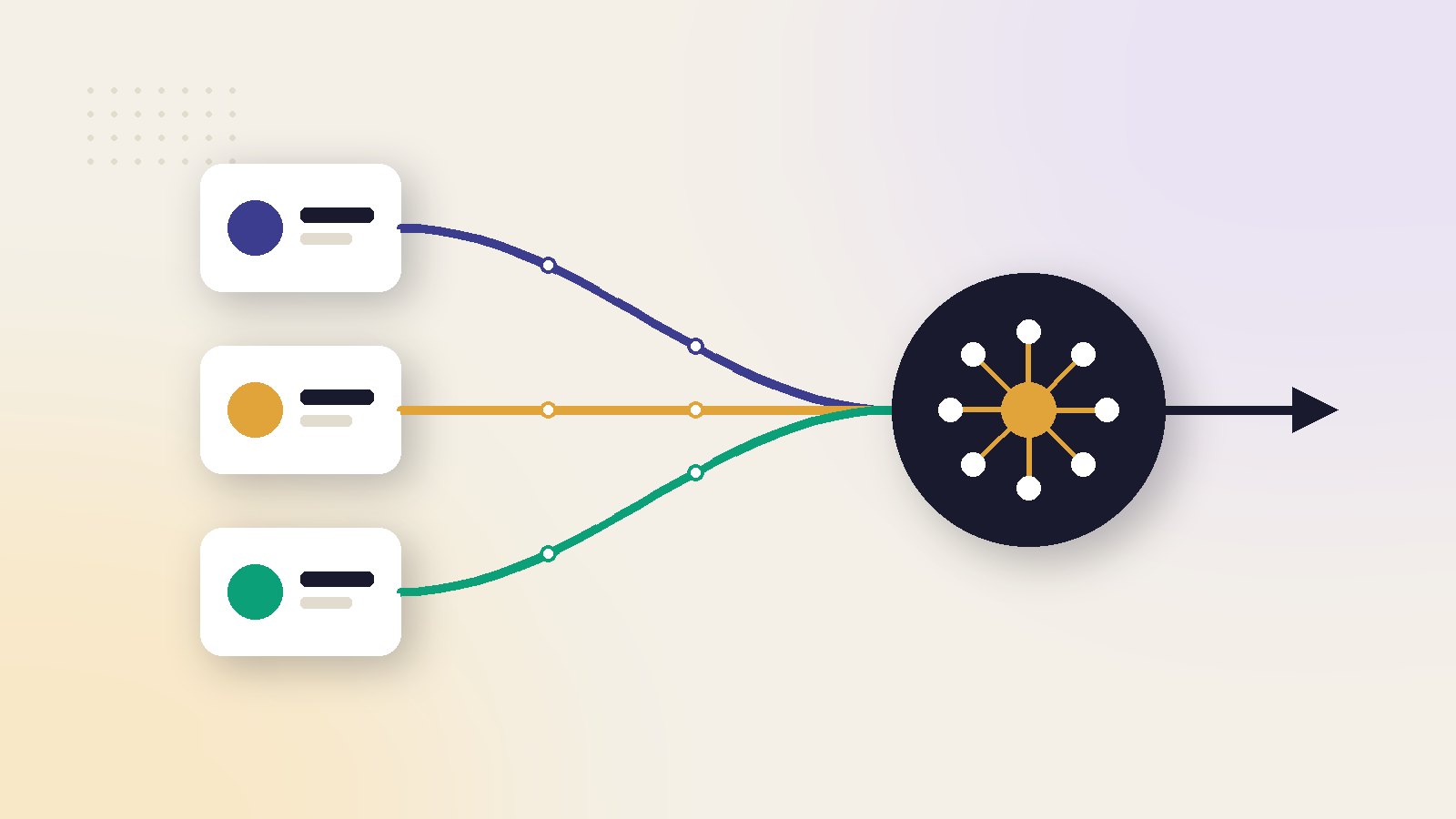
An AI marketing platform is software that stays connected to your marketing accounts and uses AI to do three things: watch what is happening, explain it, and act on it or tell you what to do.
The word AI covers a lot here. In practice it means pattern spotting in your numbers, prediction of what is likely to happen next, and generation of text or images. A good platform is clear about which of these it does.
How it differs from what you already have
From the ad networks
Meta and Google already use AI for bidding and targeting. Google says Performance Max brings on average 27% more conversions or value at a similar cost. A platform does not replace that. It works across accounts and channels, which a single network cannot.
From a dashboard
A dashboard shows numbers. A platform says which number needs attention and what to do about it.
From a single AI tool
A tool writes a caption or makes an image when asked. A platform keeps working when nobody is logged in.
For the main types and named products, see our comparison of the best AI marketing platforms.
The eight features that matter
These eight decide most of the value. They are listed in the order to check them.
| Feature | Why it matters | What to ask |
|---|---|---|
| Live data connections | Everything else depends on it | Which accounts, how often updated? |
| One combined view | Stops channel-by-channel guessing | Are ads and store orders joined? |
| Alerts | Catches problems the same day | What triggers one, where does it go? |
| Recommendations with reasons | Lets you check the logic | Can I see the numbers behind it? |
| Actions with approval | Saves time without losing control | What runs alone, what waits for me? |
| Limits and a change log | Prevents and explains mistakes | Can I cap changes and see history? |
| Reporting people read | Keeps the team aligned | Is it plain language, on a schedule? |
| Roles and access | Protects accounts and data | Who can change budgets? |
1 and 2: data comes first
A platform is only as good as what it can read. Check that it connects through official access to the exact accounts you use. Then check that it joins ad spend with real orders. Without that join, it repeats what the ad networks already tell you.
Tracking quality matters here too. Features such as Google's enhanced conversions improve what the networks can match. A platform cannot fix purchases that were never recorded.
3 and 4: alerts and reasons
An alert should name the campaign, the number that moved and the size of the change. A recommendation should come with its reason. "Pause this ad set" is weak. "This ad set spent ₹6,000 in seven days with no orders, while the account average is one order per ₹900" is something you can check.
5 and 6: control
Automation is useful only when you trust it. Look for approval steps, a maximum change per step, and a log that shows what was changed, when and why.
Meta notes that an ad set needs about 50 results in a week to leave the learning phase, and that significant edits restart it. A platform that makes many large changes can keep your campaigns learning forever.
7 and 8: people
Reports should be short and written in plain language. Access should be by role, so that a junior teammate can view results without being able to move budgets.
Features that look good in a demo and matter less
Some features sell well and change little. Treat these as extras.
A very long list of integrations
You need the five or six you actually use. A hundred others add nothing.
Chat with your data
Useful when the answers are correct and show their source. Risky when the assistant states a number with confidence and no link to where it came from.
Fully automatic mode
It sounds like the goal. In practice most brands want automation for small routine changes and a human decision for large ones.
Creative generation built in
Handy, but separate creative tools are often better and cheaper. Do not choose a platform for this alone.
How to score a platform for your own work
A feature is worth paying for only if it replaces work you really do, or prevents a loss you really have.
- List your weekly tasks. Write down what you or your team do each week on ads and reporting, and roughly how long each takes.
- Mark what the platform covers. Go through the eight features and tick only the tasks they remove or shorten.
- Put a rupee value on the time. Use what an hour of that person costs the business.
- Add losses it would have caught. Look back three months for money wasted on problems nobody noticed in time.
- Compare with the monthly fee. If the value is not clearly higher, wait or choose a smaller plan.
Worked example: is the fee worth it?
The situation
These numbers are an illustration. A founder spends six hours a week checking ad accounts and making reports. An hour of the founder's time is valued at ₹1,500. Last quarter, two campaigns kept spending for days after results dropped, wasting about ₹18,000.
What the platform would cover
The platform removes about four of the six hours and would have flagged both campaigns on the first day. Its fee is ₹8,000 a month.
Monthly value = (hours saved × hourly value × 4.3) + monthly loss avoided
Time: 4 × ₹1,500 × 4.3 = ₹25,800. Loss avoided: ₹18,000 ÷ 3 = ₹6,000. Total: ₹31,800 a month against a fee of ₹8,000.
Here the platform is clearly worth testing. If the founder spent only one hour a week and had no wasted spend, the same sum would give about ₹6,450, and the fee would not be covered.
For the wider cost picture, see what AI advertising really costs.
What buyers get wrong about features
Counting features instead of jobs
Two platforms with the same feature count can save very different amounts of time. Count the jobs each one removes from your week.
Assuming more automation is better
The best setup is not the one that changes the most. It is the one that makes small, logged changes inside limits you set. Many wasted budgets come from automation with no limits, as covered in our guide to AI advertising mistakes.
Ignoring data quality
If purchases are tracked badly, every feature built on that data gives wrong answers faster. Check tracking before the demo, not after the contract.
Not asking who does the setup
Connections, conversion values and product costs take time to set correctly. Ask whether the seller helps, and how long a typical setup takes.
Ask the seller to connect your own account and show one real recommendation with its reason. Ten minutes of that tells you more than an hour of slides.
Who needs one and who can wait
You probably need a platform if you spend on ads every month, run more than one channel, and nobody has time for daily checks.
You can wait if you are still testing your first campaigns, if your tracking is not set up, or if one person can comfortably review the account each morning.
If you would rather hand the work to people, compare the options in AI marketing agency vs AI marketing platform.
Read next in this series
- AI Marketing Platform ROI: How to Measure It Without Fooling Yourself
- Moving From an Agency to an AI Marketing Platform: A Step-by-Step Checklist
- AI Marketing Platforms for Agencies: The Multi-Client Features That Matter
- AI Marketing Platform Pricing: What You Really Pay in a Year
- How an AI Marketing Platform Reads Your Ad Data, Step by Step
- AI Marketing Platform for Shopify: What to Look For Before You Connect Your Store
- All-in-One AI Marketing Platform vs Point Tools: Which Setup Fits Your Brand
- AI Marketing Platform for Meta and Google Ads: A Buyer's Guide
Key takeaways
- A platform connects to live data and covers a whole job. A tool produces one output on request.
- Eight features decide most of the value. Data connections and a change log come first.
- Recommendations without reasons are guesses. Ask to see the numbers behind each one.
- Approval steps and spending limits matter more than how many things the platform can automate.
- Score features against your own weekly work, not against the seller's list.
Ai marketing platform: frequently asked questions
What is the difference between an AI marketing platform and an AI tool?
Which feature should I check first?
Is full automation a good idea?
Does a platform replace the AI inside Meta and Google?
How do I know if a platform is worth its fee?
Sources
- Google Ads Help: Multiply conversions with Performance Max
- Meta Business Help Centre: About the learning phase
- Google Ads Help: About enhanced conversions

Ajay is the founder of ScaleWin. He works hands-on with Meta Ads, Google Ads and SEO for Indian D2C and service brands, and built ScaleWin so that the daily work of a performance marketer - reading numbers, pausing losers, scaling winners - happens automatically.
Drafted with AI assistance. How these articles are written
Let ScaleWin read your ad data every day
ScaleWin checks your Meta and Google Ads daily, judges every ad on profit and tells you exactly what to change.
Start free, no card