Ajay Kumar
Quick answer: what should a platform for Meta and Google Ads do?
It should check every campaign daily, flag spend without results, compare Meta and Google in one view, tie ads to store profit, and make small budget changes inside limits you set. Insist on an approval step, a cap on each change, and a full change log before you connect your accounts.
Why buy anything when the networks have their own AI
It is a fair question. Meta's Advantage+ and Google's Performance Max already decide who sees your ads and how much to bid. Google reports that Performance Max brings on average 27% more conversions or value at a similar cost.
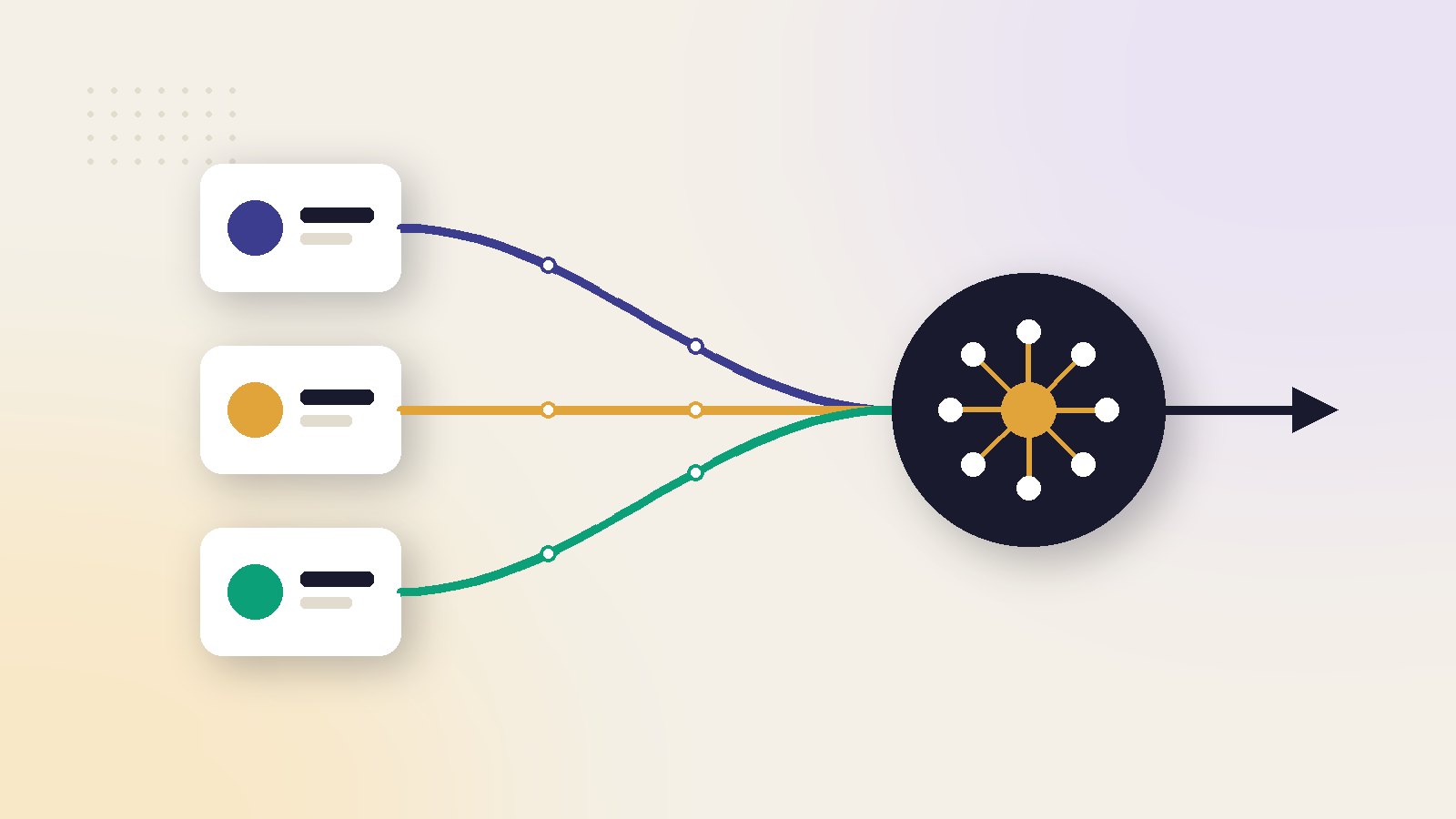
What the networks do not do is look after your whole account. Each one sees only itself. Neither knows your product margins. Neither tells you that Google is doing better than Meta this week, or that a campaign spent all weekend with no orders.
The gap a platform fills
Watching
Every campaign, every day, on both networks.
Comparing
One view of spend, orders and return across Meta and Google.
Deciding with profit
Using store orders and product costs, not only the numbers each network reports about itself.
Acting safely
Small changes, inside limits, with a record.
If you are still weighing platform types, start with our comparison of the best AI marketing platforms.
The daily jobs worth paying for
Use this table as a checklist in a demo. Ask the seller to show each job on a real account.
| Job | On Meta | On Google |
|---|---|---|
| Spend without results | Ad sets with spend and no orders | Campaigns and search terms with spend and no orders |
| Budget pacing | Daily and lifetime budgets on track | Daily spend against the monthly limit |
| Creative health | Ads shown too often to the same people | Weak assets in Performance Max |
| Tracking health | Purchase events arriving | Conversions recorded with values |
| Winners short of budget | Good ad sets limited by budget | Good campaigns limited by budget |
Why pacing needs watching on Google
Google can spend up to twice your average daily budget on a busy day, while keeping the month within about 30.4 times the daily budget. That is normal, but it surprises people. A platform should show the monthly picture, not raise an alarm over one high day.
Why small changes matter on Meta
Meta says an ad set needs about 50 results in a week to leave the learning phase, and that significant edits can restart learning. A platform that changes budgets by large amounts, or too often, can hold your campaigns back.
What a good daily summary looks like
It fits on one phone screen. It gives yesterday's spend, orders and return for each network, then lists at most three things that need a decision. Each item names the campaign, the number that moved and the suggested action. If the summary is a long table with no priorities, you will stop reading it within a week.
For how the auction and learning work underneath, see how AI ads work on Meta and Google.
Access, safety and control
You are about to give software the keys to your ad spend. Check these before you connect anything.
What access does it ask for
Read access
Enough for reports, alerts and recommendations. Low risk.
Manage access
Needed to pause ads or change budgets. Useful, but only with limits.
A proper platform connects through the official sign-in screens of Meta and Google. If a seller asks for your password, stop there. You should also be able to remove access at any time from your own account settings.
Limits to insist on
- A cap per change. For example, no budget move larger than 20 to 25% in one step.
- An approval step. Large changes wait for a yes from you.
- A daily ceiling. A total amount the platform can never exceed across all campaigns.
- A change log. What changed, when, by how much and why.
- An off switch. One click to stop all automatic actions.
Who on your side should have access
Give budget rights to one or two people only. Everyone else can have view access. When a change goes wrong, a short list of people and a clear log make it quick to find out what happened and put it right.
Budget rules deserve their own plan. Our AI ads budget guide explains how fast to scale.
Pricing models and a worked example
Platforms for ads are usually priced in one of three ways: a flat monthly fee, a fee that rises with ad spend, or a fee per ad account. Always compare them at your current spend and at double.
Worked example: flat fee or share of spend
Two offers
These numbers are an illustration, not quoted prices. Platform A charges a flat ₹8,000 a month for Meta and Google. Platform B charges 3% of ad spend.
At today's spend and after growth
At ₹2 lakh of ad spend, Platform B costs ₹6,000 and looks cheaper. At ₹6 lakh, it costs ₹18,000, while Platform A is still ₹8,000.
Break-even spend = flat fee ÷ percentage fee
₹8,000 ÷ 0.03 = about ₹2,67,000. Below that spend the percentage fee is cheaper. Above it the flat fee is.
Neither model is wrong. A share of spend suits a brand that is small today. A flat fee suits a brand that plans to grow. Just know which side of the break-even you are on.
What else changes the bill
Extra ad accounts, extra users, creative credits and setup help are often charged separately. Ask for the total at your size in writing. Ask also whether the price is locked for a year or can change with notice, and whether you can leave at the end of any month.
What buyers get wrong
Expecting it to fix a weak offer
A platform can stop waste and move budget to what works. It cannot make people want a product, or repair a slow checkout.
Judging it on the network's numbers
Meta and Google each claim credit for sales. Added together, they often claim more orders than the store had. Judge the platform on store orders and profit.
Turning everything on at once
Start with alerts and recommendations only. Add automatic changes for small moves after two or three weeks, once you have seen that its suggestions are sensible.
Skipping the comparison across channels
If you only ever look at one network at a time, you bought a second dashboard. The value is in seeing where the next rupee should go.
ScaleWin, our own product, is a platform of this kind for Meta and Google Ads. This guide is written so that you can use it to assess any product, including ours.
A 30-day trial plan
A month is enough to see whether a platform helps, if you set it up as a test.
Week 1: connect and check
Connect both networks and the store. Confirm that spend and orders in the platform match your own records. Fix tracking gaps before going further.
Weeks 2 and 3: follow the suggestions
Review alerts daily. Apply the recommendations you agree with, by hand or with approval. Note the ones you rejected and why.
Week 4: measure
Compare cost per order and total profit after ad spend with the month before. Also count the hours you spent on the account. If both improved, keep it. If neither moved, cancel.
For a wider list of products in this category, see our comparison of the best AI advertising platforms.
Read next in this series
- AI Marketing Platform ROI: How to Measure It Without Fooling Yourself
- Moving From an Agency to an AI Marketing Platform: A Step-by-Step Checklist
- AI Marketing Platforms for Agencies: The Multi-Client Features That Matter
- AI Marketing Platform Pricing: What You Really Pay in a Year
- How an AI Marketing Platform Reads Your Ad Data, Step by Step
- AI Marketing Platform for Shopify: What to Look For Before You Connect Your Store
- All-in-One AI Marketing Platform vs Point Tools: Which Setup Fits Your Brand
- Best AI Marketing Platforms in 2026
- What Is an AI Marketing Platform?
Key takeaways
- The ad networks handle bidding and targeting. A platform earns its fee on monitoring, comparison and control.
- Check the access it asks for. Reading data and changing campaigns are different permissions.
- Insist on limits: a maximum change per step, an approval step and a change log.
- Compare pricing at your current ad spend and at double. A share of spend grows with you.
- Run a 30-day trial against one number, such as cost per order from store data.
Ai marketing platform: frequently asked questions
Do I need a platform if I already use Advantage+ and Performance Max?
Is it safe to let a platform change my budgets?
What access should I give?
Which pricing model is better, flat fee or share of ad spend?
How do I measure whether the platform worked?
Sources
- Meta Business Help Centre: About the learning phase
- Google Ads Help: About average daily budgets and spending limits
- Google Ads Help: Multiply conversions with Performance Max

Ajay is the founder of ScaleWin. He works hands-on with Meta Ads, Google Ads and SEO for Indian D2C and service brands, and built ScaleWin so that the daily work of a performance marketer - reading numbers, pausing losers, scaling winners - happens automatically.
Drafted with AI assistance. How these articles are written
Let ScaleWin read your ad data every day
ScaleWin checks your Meta and Google Ads daily, judges every ad on profit and tells you exactly what to change.
Start free, no card