Ajay Kumar
Quick answer: which AI tools help a marketing agency manage more clients?
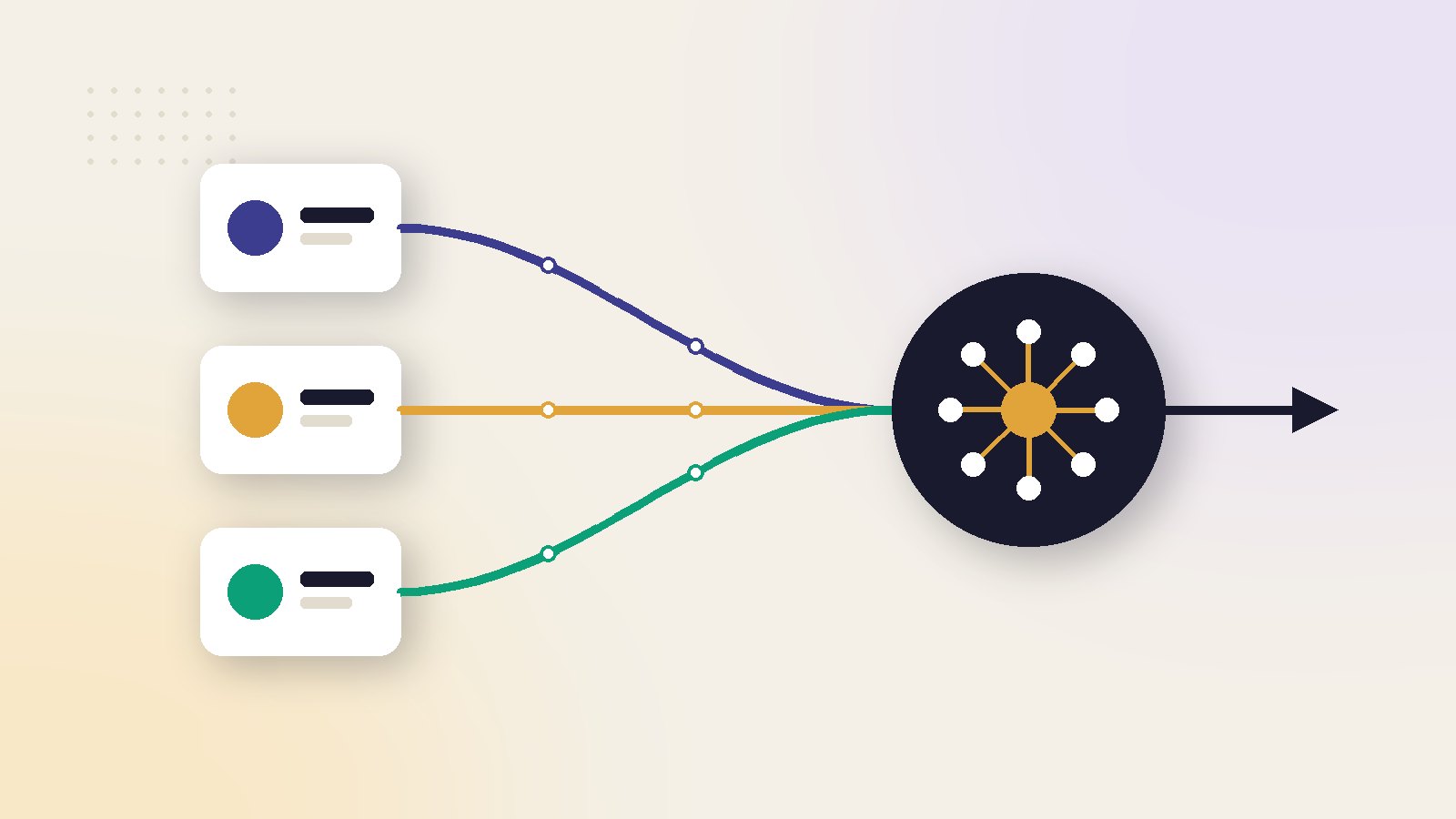
Agencies gain most from AI in five places: daily account monitoring, bulk ad launching, creative resizing, client reporting and client messaging. Pick tools that handle many accounts in one place, price per account or spend you can pass on, and let you set rules once and copy them across clients.
Where an agency's time actually goes
Ask an account manager at a 10-client agency to log a week. Most of the hours are not strategy. They are repeated tasks done once per client:
- Morning checks: spend, results and anything broken, for every account.
- Launching: new ad sets and creative tests, often the same structure for many clients.
- Creative: resizing, variations and copy drafts.
- Reporting: weekly and monthly reports in each client's format.
- Client messages: updates, questions and approvals.
Each task takes minutes per client, which becomes hours at 10 clients and a full day at 20. That repetition is where AI tools save the most. The agency model itself is shifting because of this, as we describe in how the agency model is changing.
AI tools by task
We read each vendor's own pages in November 2026. For the full market, see our ranked list of AI marketing tools.
| Task | Example tools | What to look for |
|---|---|---|
| Account monitoring | Birch, Optmyzr, platform alerts | Many accounts in one view, rules you can copy |
| Bulk launching | Birch | Launch across many ad accounts at once |
| Search accounts | Optmyzr | Audits and scripts for Google and Microsoft Ads |
| Creative | Canva, Meta and Google built-in AI | Brand kits per client, team seats |
| Client messaging | WhatsApp Business API tools | Several users, shared inbox |
| Drafting and reports | An AI assistant | Team plan, no client data used for training |
Monitoring and launching across accounts
Birch (formerly Revealbot)
Birch is built around automated rules and bulk work. Its site shows an AI that turns a plain sentence into a rule, and bulk launching of ads across many ad accounts on Meta, TikTok and Snapchat. The pricing page sets the price by total monthly ad spend across all connected accounts: about ₹4,600 a month for Essential and ₹9,200 for Pro up to about ₹9 lakh of spend.
Why spend-based pricing matters for agencies
Because the price follows combined spend across clients, a new large client can push you into a higher band. Build that into your retainer.
Optmyzr
Optmyzr describes itself as PPC management software for Google Search, Shopping, Performance Max and Microsoft Ads, with monitoring, insights and safeguards. It is a long-standing choice for agencies with many search accounts, and it offers a free trial.
Platform alerts first
Before you pay, set up the free automated rules in Meta Ads Manager and email alerts in Google Ads for each client. They catch the worst problems, such as a campaign spending with no results, at no cost.
Creative, reporting and client messaging
Creative at volume
Meta Advantage+ creative and Google's asset generation adapt and create variations inside the ad platforms for free. For your own designs, Canva Business is listed at ₹6,800 a year per person on its Indian pricing page, with brand tools that help keep each client's colours and fonts separate.
Reports
An AI assistant can turn raw numbers into a plain summary for each client in minutes. Keep one template per client, paste in the week's numbers and have a person check every figure before it goes out.
Data care
Use a team or business plan for client work, and check that the plan does not train on your inputs. Never paste a client's customer list into a general chatbot.
Client messaging on WhatsApp
Many Indian clients prefer WhatsApp. A Business API tool gives a shared inbox for the team. The Wati pricing page includes 3 or 5 users depending on the plan, with extra users at ₹1,299 or ₹2,199 a month, so count your team before you choose a plan.
Keep approvals human
Let tools draft, flag and prepare. Have a person approve anything that changes a client's live budget or sends a message to the client's customers.
A 30-day rollout plan
Do not switch every client on the same day. Roll tools out in stages so a mistake touches one account, not fifteen.
Week 1: two pilot clients
Pick one stable client and one messy one. Connect them, set up monitoring rules and note how long the morning check takes before and after.
Week 2: rules and templates
Turn what worked into a standard rule set and a report template. Write down which rules are safe to copy and which need changes per client, such as different break-even costs per order.
Week 3: half the clients
Roll out to half your accounts. Keep a short log of every automated change and every false alarm, so you can tune the rules.
Week 4: everyone, then review
Add the remaining clients. At the end of the month, compare hours spent on checks and reports with your week 1 log, and drop any tool that did not save time. Before adding more tools later, score them with our 12-point buyer checklist.
Work out cost and time per client
Agencies should price tools the way they price services: per client.
Worked example: a 12-client agency
The tools
Monitoring and launching tool about ₹9,200 a month. Two Canva Business seats about ₹1,133 a month (₹13,600 a year ÷ 12). One WhatsApp plan about ₹2,699 a month. Total about ₹13,000 a month before GST.
Cost against time saved
The team saves about 3 hours per client per month on checks, launches and reports, 36 hours in total. At an internal cost of ₹600 an hour, that time is worth ₹21,600.
Tool cost per client = total monthly tool cost ÷ number of clients
₹13,000 ÷ 12 = about ₹1,083 per client a month, against about ₹1,800 of time saved per client (₹21,600 ÷ 12).
The tools pay for themselves, and the saved hours can go to strategy or two more clients.
Before signing up, run each tool through our guide to AI ad tools for agencies.
What most agency tool guides get wrong
They pick tools for one account
A tool that is great for a single brand can be painful across 15 logins. Test the multi-account view first.
They ignore how cost grows
Spend-based and seat-based pricing both rise as you win clients. Model the cost at 20 clients before you commit.
They automate client contact
Automate checks and drafts, not relationships. Clients stay for the person who explains what happened and why. For team-wide setups, see our AI tool stack for marketing teams.
ScaleWin, our product, has plans for freelancers and agencies that run Meta and Google Ads for several clients. We left it out of the table above.
Read next in this series
- AI Marketing Tools vs Hiring a Marketer: What Each Costs and What Each Delivers
- AI Marketing Tools That Can Improve ROAS, and the Ones That Only Look Like They Do
- Best AI Marketing Tools in 2026: 25 Tools Ranked for D2C Brands
- AI Marketing Tools for Growing Brands: What's Worth Paying For
- Free vs Paid AI Marketing Tools: Where Free Tools Fall Short
- AI Tools for Marketing Teams: A Stack From Ads to Analytics
- AI Marketing Tools for Shopify Stores: The Complete List for 2026
- How to Choose an AI Marketing Tool: A 12-Point Buyer Checklist
- AI Marketing Tools for Indian Brands (With Rupee Pricing, November 2026)
Key takeaways
- The time sink at 10+ clients is repetition: daily checks, reports and creative variations. Automate those first.
- Choose tools built for many accounts, with one login, copyable rules and per-client reports.
- Watch how pricing grows per client: by ad spend, by user seat or by account.
- Work out tool cost per client and compare it with the hours each client saves.
- Keep a human approval step on anything that changes a client account or messages a client's customers.
Ai marketing tools: frequently asked questions
What AI tools do marketing agencies use?
How do agencies manage many ad accounts at once?
How much do AI tools cost an agency per client?
Is it safe to use AI chatbots with client data?
How should an agency roll out new AI tools?
Should an agency automate client communication?
Sources
- Birch (formerly Revealbot): pricing
- Optmyzr: PPC management software
- Canva: pricing (India)
- Wati: pricing

Ajay is the founder of ScaleWin. He works hands-on with Meta Ads, Google Ads and SEO for Indian D2C and service brands, and built ScaleWin so that the daily work of a performance marketer - reading numbers, pausing losers, scaling winners - happens automatically.
Drafted with AI assistance. How these articles are written
Let ScaleWin read your ad data every day
ScaleWin checks your Meta and Google Ads daily, judges every ad on profit and tells you exactly what to change.
Start free, no card