Ajay Kumar
Quick answer: how do artificial intelligence ads work on Google?
On Google, artificial intelligence ads are mostly built inside Performance Max. Google AI can generate headlines, descriptions and images from your landing page, customise text for each search, and send clicks to a more relevant page on your site. Every part is optional or adjustable, and you remain responsible for accuracy, policy and AI labels.
The 4 places AI makes your ad in Performance Max
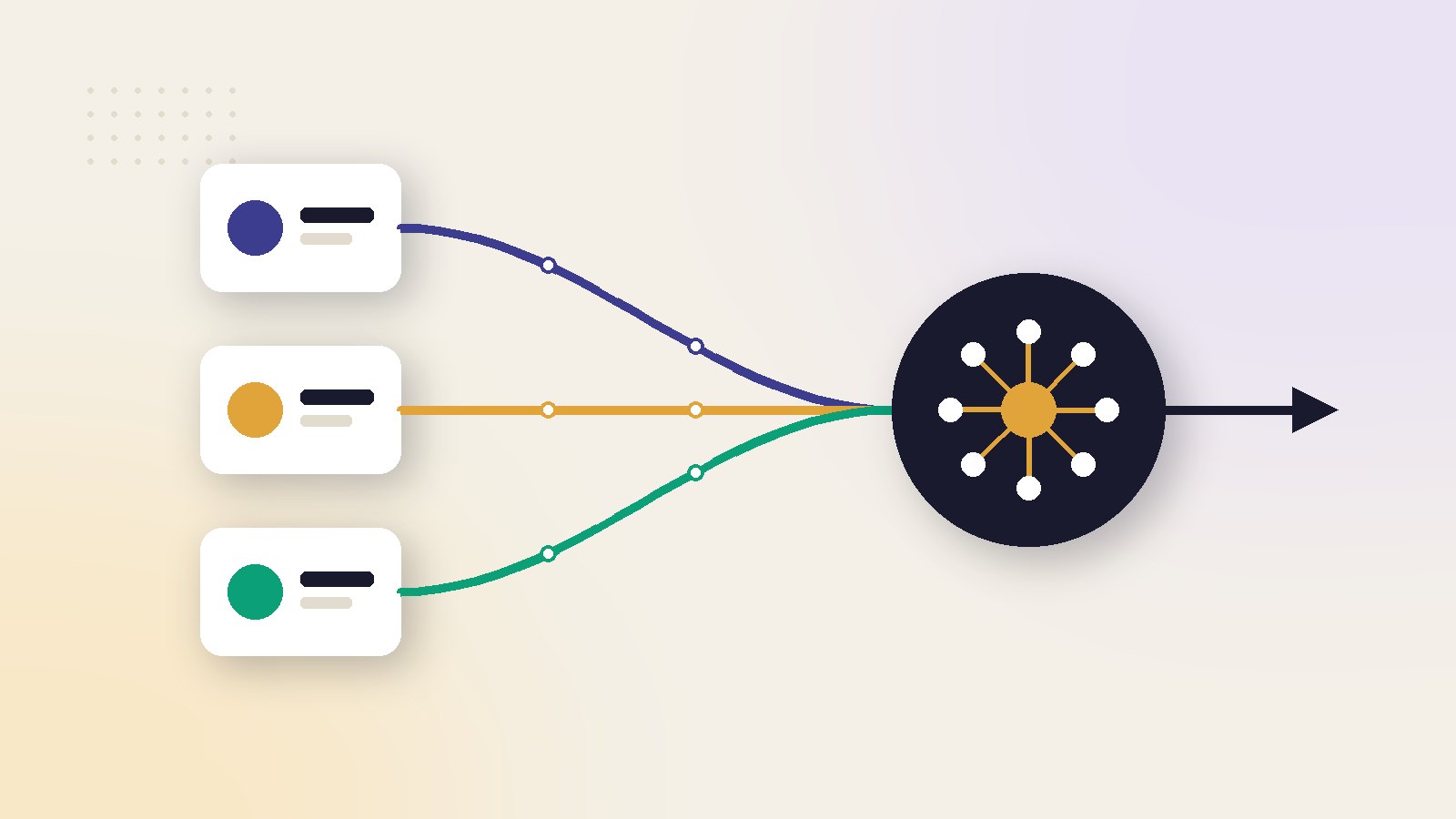
Google describes Performance Max as a goal-based campaign type that gives access to your Google Ads inventory from a single campaign. You supply assets, and Google assembles the ads. Four features go further and create or change the assets themselves.
| Feature | What the AI does | Your control |
|---|---|---|
| Asset generation | Drafts headlines, descriptions and images from your landing page at setup | Optional. You pick what to keep |
| Generated images | Creates new images from a prompt or from your product photos | You choose which to add |
| Text customization | Adds text from your website into headlines and descriptions | A checkbox in campaign settings |
| Final URL expansion | Sends the click to a more relevant page on your domain | On by default. Can be limited with exclusions |
The first two happen in front of you. The last two happen while the campaign runs, which is why they cause most of the surprises.
For the general picture of how AI ads are produced, see artificial intelligence ads: what they are and how they are made.
Asset generation: from a URL to an asset group
Google's guide to building an asset group with generative AI describes a short flow.
- Enter your landing page URL. Google AI reads the page and writes a summary of your product or service.
- Edit the summary. It is only used to generate assets. It never appears in an ad.
- Generate. Google AI writes headlines, long headlines and descriptions, and suggests images, logos and a business name.
- Review. Keep what fits and discard the rest. You can prompt for more headlines, descriptions or images.
Images in the suggestions come from four places: your website, assets you used before, stock images and new AI-generated images. If you add no video, Google may create one from your other assets after the campaign is published.
Who can use it
Not every account or page is eligible. Google lists these conditions:
- The Google Ads interface is set to English, Dutch, French, German, Italian, Portuguese or Spanish.
- The account has not completed Election Advertising Verification.
- The landing page is in one of those languages. Text assets are written in the language of the page.
- The page is not in a sensitive category, such as certain health, political or religious topics.
- The page was not published very recently.
Hindi and Arabic are not on this list. If your landing page is in one of them, expect to add assets by hand.
Generated images: prompts, products and limits
Image generation appears in several places: campaign setup, asset group editing, the Asset Library and some recommendations. Google's page on generated images in Google Ads sets out how it works.
From a prompt. You describe the image you want, such as a product on a festive background.
From your product. In Asset studio, you can upload photos of a physical product and ask for lifestyle images around it. Google advises adding several angles and using photos that show only one product. You can also pull products from a linked Merchant Center account.
From a style. You can add up to 5 style reference images, so new images follow your brand's look.
The limits matter as much as the features:
- People and faces are limited to adults. Children and well-known likenesses are not allowed.
- The tools are designed not to create branded items and logos you did not provide.
- Generated images stay in your Asset Library for 14 days unless you use them in a campaign.
- To write your own prompts, the account must be active with ads running for at least 30 days, and have a history of policy compliance.
- Every generated image carries an open-standard markup and a SynthID watermark, which is invisible and survives screenshots and compression.
Google says product-based images are more likely to match your photos. That is not a guarantee. Compare the cap, label, colour and count with the real item before you add an image.
The automatic parts: text customization and Final URL expansion
These two settings change your ads after launch, without showing you each version first.
Text customization
Text customization, formerly called automatically created assets, adds text from your website into headlines and descriptions when Google predicts it will improve performance. Google says it currently serves only on Search inventory, and recommends leaving it on.
Final URL expansion
Final URL expansion lets the campaign replace your chosen landing page with another page on the same domain that better matches the search. It is turned on by default.
Google's own page warns that this can lead to ads pointing to unintended pages if it is not managed with URL exclusions. It also notes that marketplaces and businesses with several product lines may see headlines that do not match the page.
Check where expansion sends your traffic
Asset reporting has an "Expanded Final URL assets" tab. It shows each expanded URL with impressions, conversions and conversion value. Look at it monthly.
Worked example: ₹15 lakh a month on Performance Max
Step 1: Find the expanded traffic
The campaign buys 30,000 clicks at ₹50. Example: 2,000 of them landed on blog, careers and policy pages through expansion.
Spend on non-selling pages
2,000 clicks × ₹50 = ₹1,00,000Step 2: Compare the outcome
Cost per order
Non-selling pages: 2,000 × 0.3% = 6 orders, ₹16,667 eachProduct pages: 2,000 × 2.5% = 50 orders, ₹2,000 each
Step 3: Act
Add those sections as URL exclusions. Expansion stays on for product and collection pages, where it helps. Changes can take 24 to 48 hours to show.
Do not switch expansion off as a reflex. Exclude the pages that cannot sell, then judge what is left on cost per order.
Approval, labels and testing
Generating an asset inside Google Ads does not make it approved, accurate or compliant. Google states three things plainly.
- Approval is not guaranteed. Generated assets go through the same policy review as any other, and can be disapproved.
- Accuracy is yours. Advertisers should review generated or suggested assets to make sure they are accurate and not misleading.
- Labels are your decision. Google notes that AI rules in the European Union, India, New York, California, South Korea and Vietnam require disclosure for certain AI-generated or edited ads. It offers an AI label setting, and says using it does not guarantee compliance.
When to label is covered in our guide to AI advertising ethics and disclosure.
To find out whether generated assets help, use the A/B test for assets, which is in beta. You set a control group and a treatment group inside one asset group and split the traffic. Google recommends at least 4 to 6 weeks, and locks the assets during the test.
What published tests say about AI-made and human-made ads is in AI ads vs human-made ads.
What most guides get wrong about AI ads on Google
Most write-ups either praise the automation or tell you to switch it all off. Both miss how the features work.
- "Performance Max writes your ads whether you like it or not." Asset generation at setup is optional. Text customization and Final URL expansion are settings you can change.
- "Turn off every automatic setting." Google recommends leaving text customization and expansion on. A better first step is to exclude the URLs that cannot sell.
- "Generated images are ready to run." They can redraw your product. Google asks you to check accuracy before adding them.
- "The AI label setting keeps you legal." Google says the setting does not guarantee compliance with any regulation.
- "It works for any site." Eligibility depends on language, account history and the category of the page.
- "Generated images belong only inside Google." Google says it will not limit use of the generated content outside its ecosystem, subject to its policies and terms.
A setup checklist for AI assets in Performance Max
Use this order for a new campaign, or to audit one that is already running.
- Fix the landing page first. Asset generation reads it. Put the product name, price, offer and proof in plain text.
- Generate, then cut. Keep only headlines you would have written yourself. Remove claims you cannot prove.
- Add your own images and video. Google's expansion page says the system prioritises a full set of advertiser-created assets.
- Use product-based images for variety. Check each one against the real product.
- Set URL exclusions on day one. Exclude blog, careers, policy and account pages.
- Decide on labels. If an image shows a realistic person or scene made by AI, check the rule for each market you sell in.
- Review monthly. Read the asset report and the expanded URL tab, and replace weak assets.
Performance Max is one channel among several. For how AI differs on Meta, YouTube and Amazon, read advertising and AI across channels.
ScaleWin shows Google and Meta campaigns on one profit view after product cost, shipping, tax and returns, so you can see whether generated assets earn their place.
Read next in this series
Key takeaways
- Performance Max has four AI creative features: asset generation at setup, generated images, text customization and Final URL expansion.
- Asset generation is optional and starts from your landing page. You review every asset and can discard any of them.
- Final URL expansion is on by default and can send clicks to pages you did not choose. Use URL exclusions.
- Generated images carry a SynthID watermark, and people in them are limited to adults.
- Google says its AI label setting does not guarantee legal compliance. Approval and accuracy remain your job.
Artificial intelligence ads: frequently asked questions
Can Google Ads create ads with AI?
What is asset generation in Performance Max?
Are AI-generated images in Google Ads watermarked?
What is Final URL expansion in Performance Max?
Can Google AI generate images of people for ads?
Do I need to label AI-generated Google ads?
Why is asset generation not available in my account?
Sources
- Google Ads Help: How to build a Performance Max asset group using generative AI
- Google Ads Help: About generated images in Google Ads
- Google Ads Help: About Performance Max text customization
- Google Ads Help: About Final URL expansion in Performance Max
- Google Ads Help: About Performance Max optimization experiments, A/B testing assets (Beta)
- Google Ads Help: About asset reporting in Performance Max

Ajay is the founder of ScaleWin. He works hands-on with Meta Ads, Google Ads and SEO for Indian D2C and service brands, and built ScaleWin so that the daily work of a performance marketer - reading numbers, pausing losers, scaling winners - happens automatically.
Drafted with AI assistance. How these articles are written
Let ScaleWin read your ad data every day
ScaleWin checks your Meta and Google Ads daily, judges every ad on profit and tells you exactly what to change.
Start free, no card